Kirana shops, chemists, hardware and other small Indian shops that give udhaar, and the people who keep their khata.
How it works
- Set the date you are reading the khata as of, so the ageing is a fact and not a moving number.
- Add each line: bill or receipt number, customer, date, whether it is udhaar given or jama received, and the amount.
- Read the buckets: how much is under a month old and how much has been sitting for more than ninety days.
- Build a UPI reminder link for the balance — the amount is fixed and the payer cannot change it.
What you gain
- Keeps your customers' udhaar sorted by how overdue it really is, and sends a UPI payment reminder link where the amount is fixed so the customer can't quietly pay less than they owe.
Screenshot
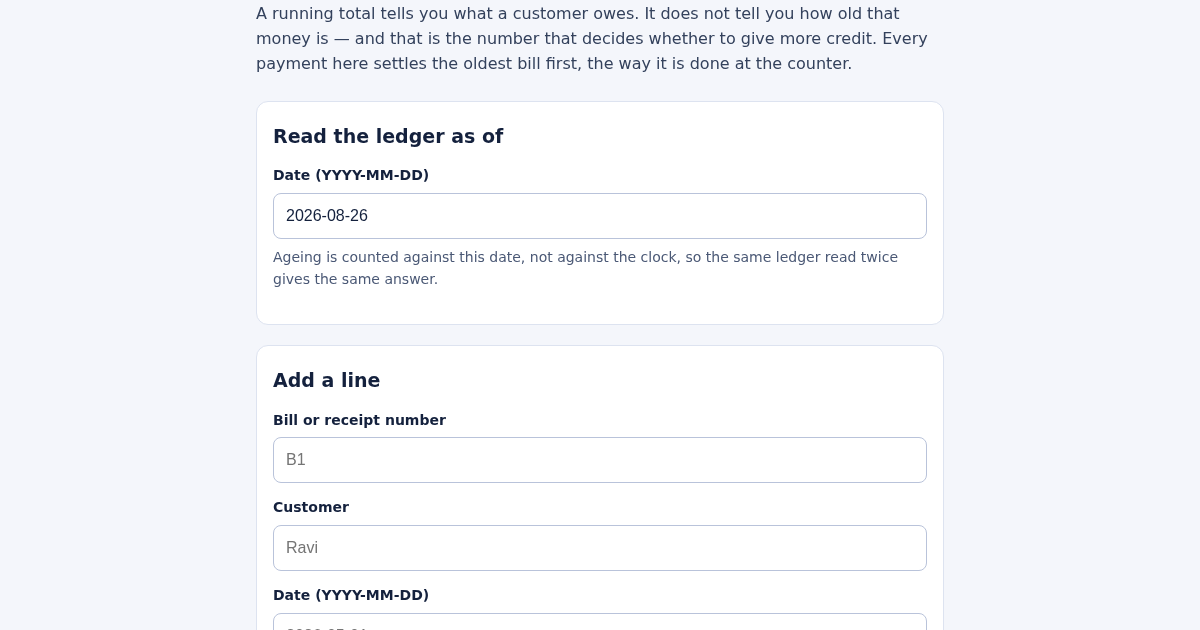
Technical details
How to set up & use
- Buy the license — your key (lic_...) appears on the order page and in your email.
- Sign in at app.synoriaai.com with your license key.
- No installation — the product runs in your browser, on your own isolated instance.
- 1. Open the Khata page and set the 'as of' date to today or any date you want the ageing to be measured against.
- 2. Add a bill: fill in the reference (e.g., B1), customer name (e.g., Ravi), the bill date, select 'udhaar' as the type, and enter the amount (e.g., 1000). Click 'Add'.
- 3. Add a payment: fill in a new reference (e.g., R1), same customer name, the payment date, select 'jama' as the type, and enter the amount. Click 'Add'.
- 4. The ledger automatically settles the oldest bill first with each payment, so the remaining balance shows the true age of what's still owed.
- 5. View the ageing buckets (0-30, 31-60, 61-90, 90+) on the page; they are based on the 'as of' date you set, so the same ledger read on the same date always gives the same buckets.
Frequently asked questions
Is my data safe with Khata?
Khata processes all data locally in your browser; no ledger data is sent to any server. The app only uses the information you enter to calculate ageing and generate UPI links.
Can the customer change the amount in the UPI reminder link?
No. The UPI link is generated in the NPCI linking format with the amount fixed and no 'mam' parameter, so the payer cannot edit the amount before paying.
Does Khata handle special characters in shop names for UPI links?
Yes. All link values are percent-encoded, so names like 'Sharma & Sons' are safely included without breaking the link.
Related products
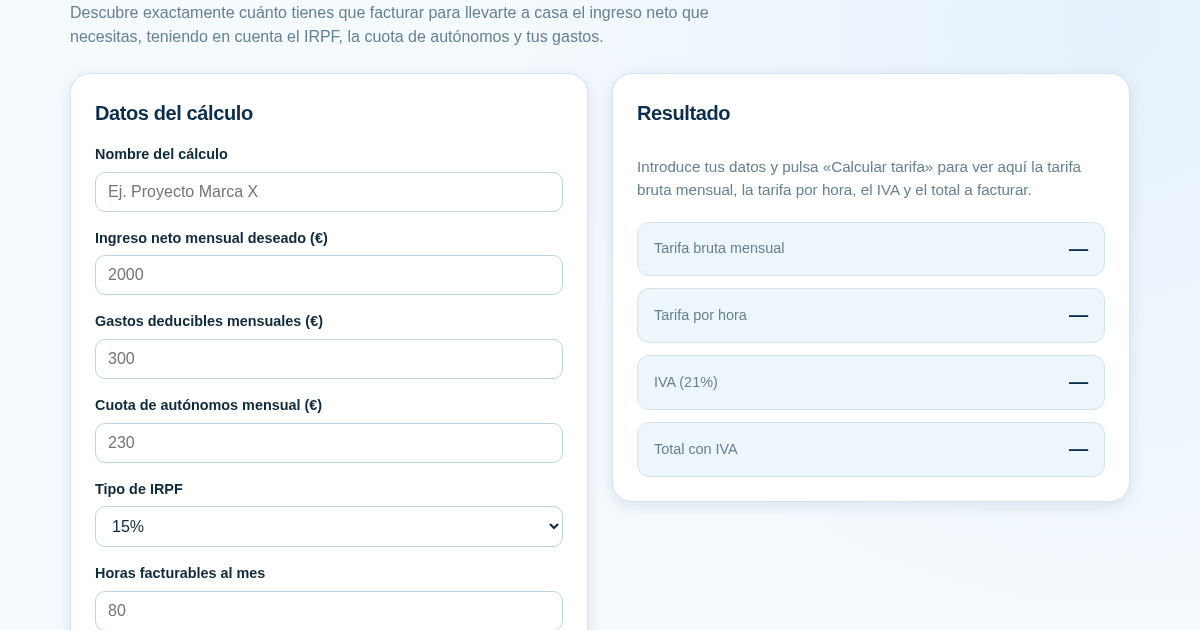
Calculadora de Tarifas para Autónomos
Muchos autónomos fijan sus tarifas sin saber cuánto necesitan facturar realmente para alcanzar el ingreso neto que quieren. Esta calculadora parte del neto mensual deseado y calcula la facturación bruta necesaria…
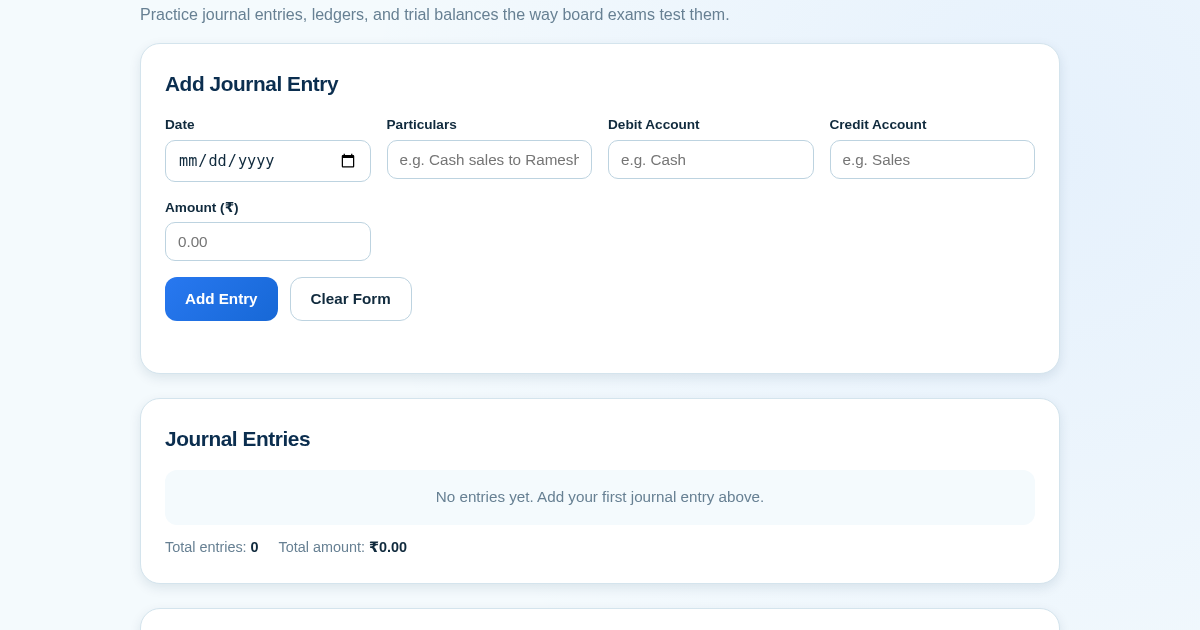
Ledger & Trial Balance Practice Tool
Commerce students in Class 10-12 need to practice journal entries and see how they flow into ledgers, trial balances, and balance sheets for board exams. This tool lets them enter transactions and instantly see the…
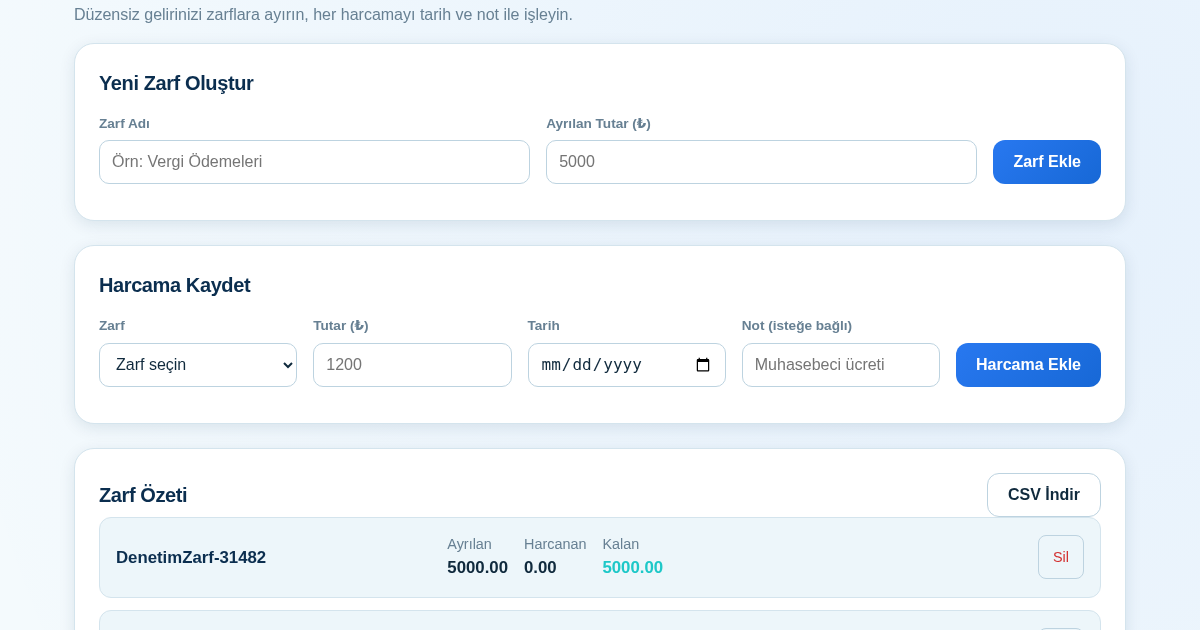
KASA - Serbest Çalışanlar İçin Zarf Bütçesi
Serbest çalışanlar düzensiz gelirlerini vergi, kira ve yaşam giderleri gibi zarflara bölerek bütçelerini düzenli tutabilir. Her harcamayı tarih ve not ile ilgili zarfa işleyerek ne kadar ayırdığını ve ne kadar…
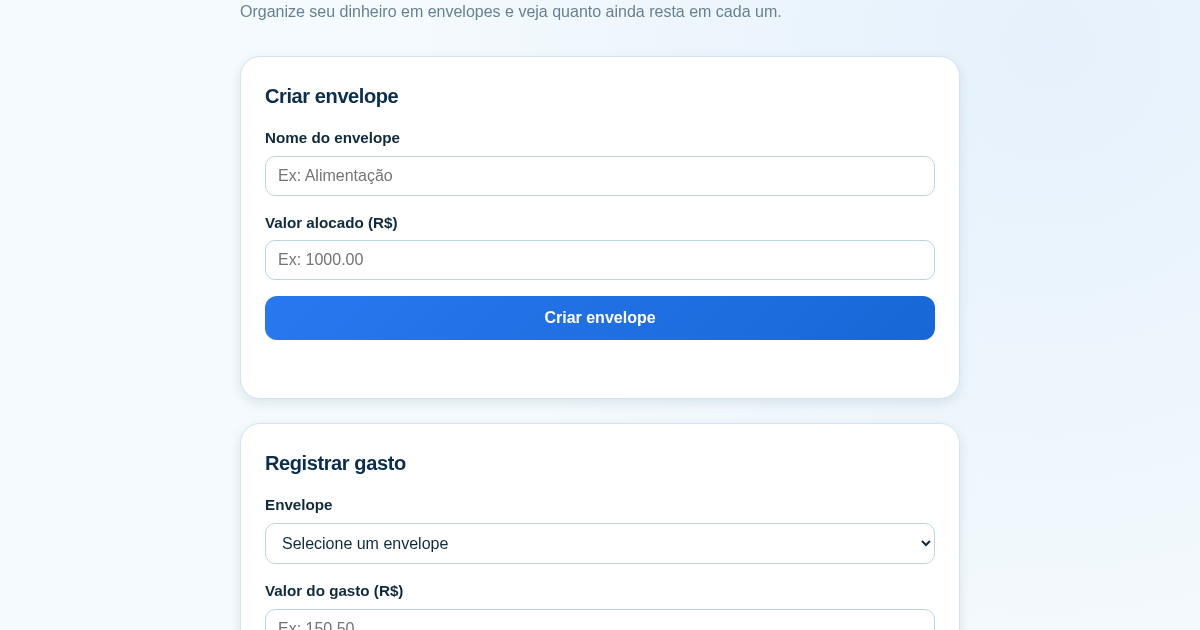
Calculadora de Orçamento por Envelopes (Pix)
Este aplicativo ajuda brasileiros a organizar seu dinheiro em envelopes de orçamento, como alimentação, transporte e lazer, sem precisar conectar uma conta bancária. Ele resolve o problema de controlar gastos do dia a…